
How do I use my E-Gift card?Updated 2 months ago
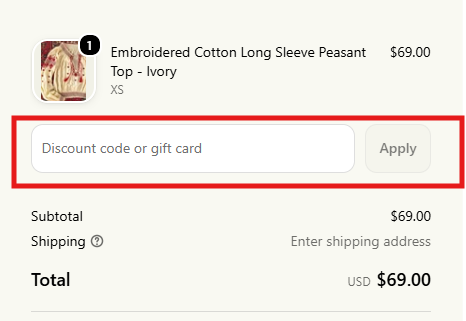
On our website: At checkout, look for the "Discount code or gift card" box to the right of the shipping address section. Enter your code and click Apply.
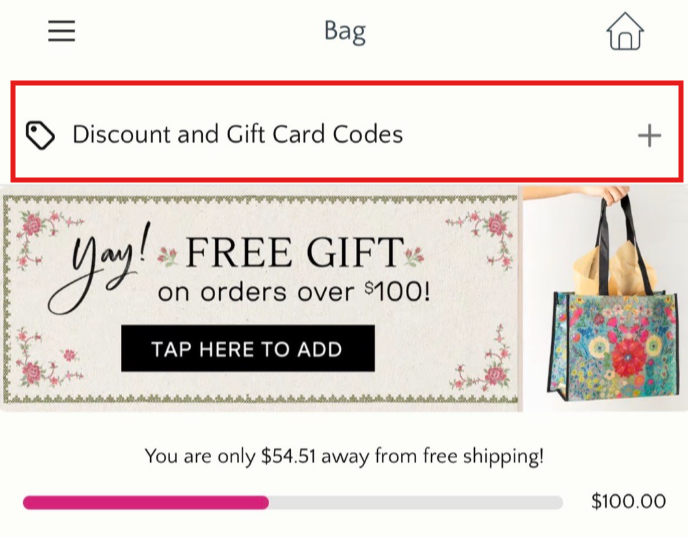
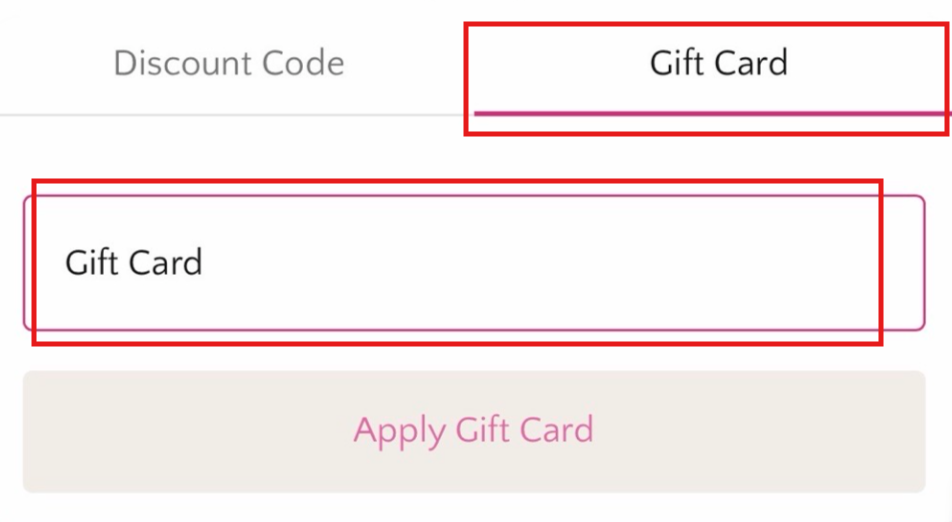
In the Natural Life app: Once you've viewed your cart, tap the "Discount and Gift Card Codes" box at the top. Select Gift Card, enter your 16-digit code with no spaces or dashes, and tap Apply.
Good to know
- Your gift card never expires.
- You can use more than one gift card on an order. Just apply them one at a time and we'll take each balance off your total.
- Gift cards can't be used to purchase another gift card.